
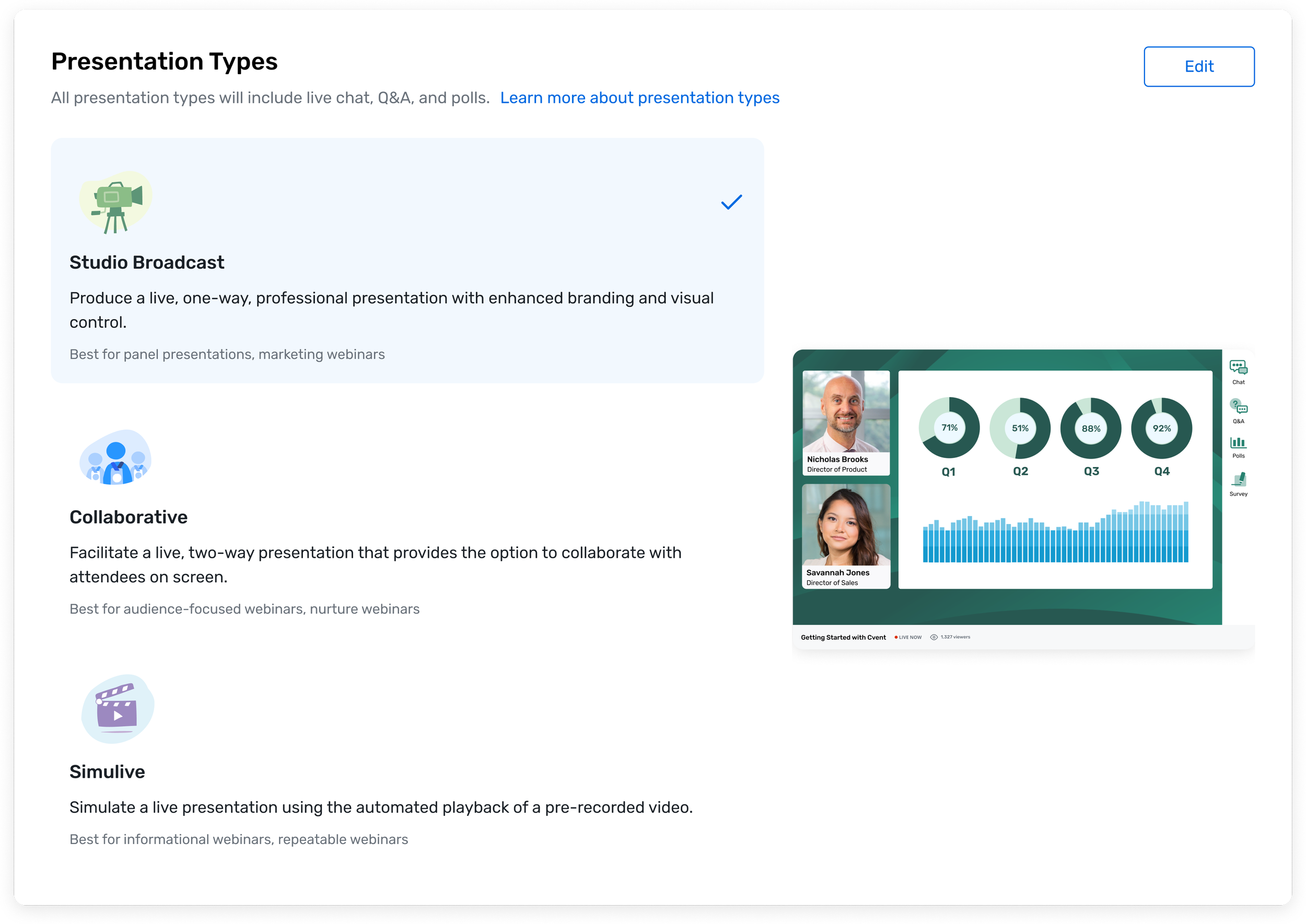
Presentation Page for Cvent Webinar
Cvent Webinar
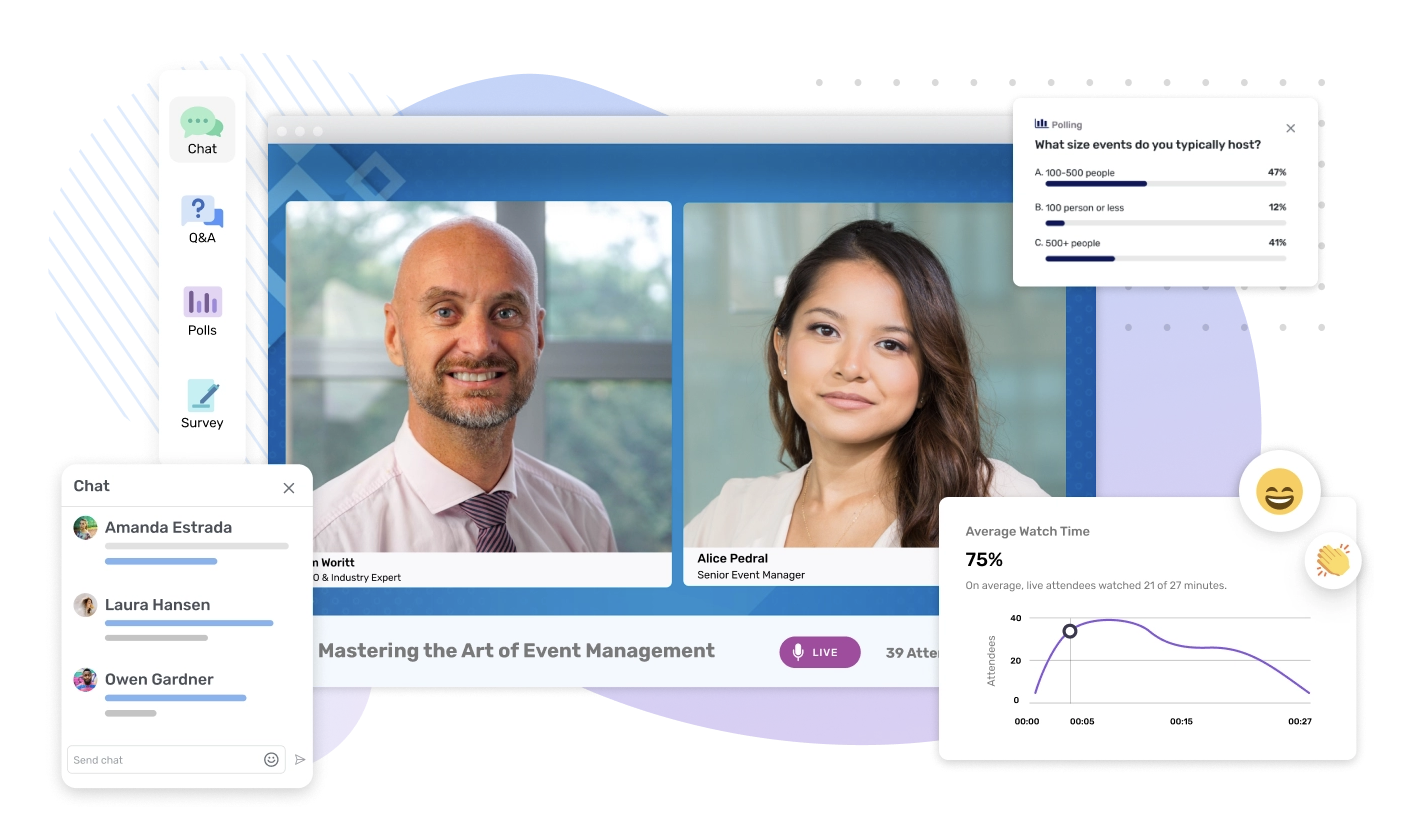
In 2023, due to an increase in virtual events, my company, Cvent, an event technology company decided to launch a self-service, virtual Event platform, called Cvent Webinar.
Webinar was structured for what gets termed Product-Led Growth, meaning that a free version of the product with a limited feature-set was used to sell paid versions of the product with greater capabilities.
Presentation Page
Webinar’s main feature was the ability to choose between different modes of “video settings” for a webinar. Initially, there were two settings, Livestream, and Pre-recorded.
A Livestream webinar took place in real time, and allowed speakers to interact with their audience live onscreen and in the webinar chat. A Pre-recorded webinar was an upload of a pre-recorded video that would play in real time. The webinar speakers could interact with their audience in the chat, but not onscreen.
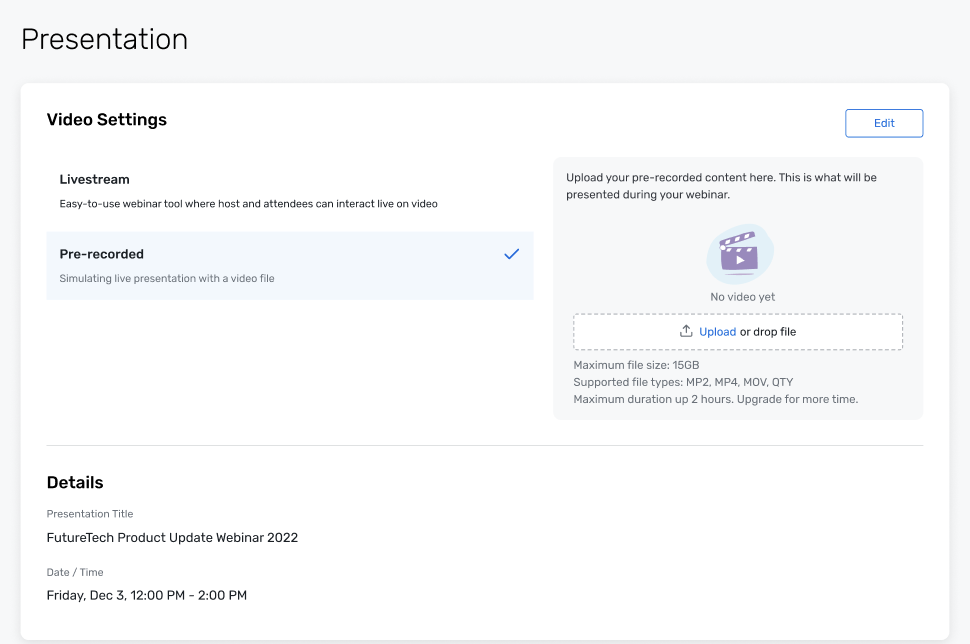
There were a few problems with the text on this version of the presentation page.
First, because Webinar was a new product, with a user-base that Cvent had not targeted before — small planners and mid-size agencies — the names that we used were not immediately familiar to webinar users. Livestream made users think of Twitch and Discord, and Pre-recorded made users assume that there would be no chat feature attached to that video setting. Video setting, as well, did not convey the separation between the two modes of presentation.
Second, the description of each video setting did not communicate the different values of the two modes of presentation. Livestream was meant to facilitate speaker-and-audience interaction, while Pre-recorded was meant for repeatable webinars, allowing one to save time and energy.
Cvent Studio
While we were working on the video settings, Cvent acquired a new company, called Shoflo, which owned a product called Studio that we had to integrate into Cvent Webinar.
Studio was a presentation software that allowed for more polished production value and advanced customization ability.
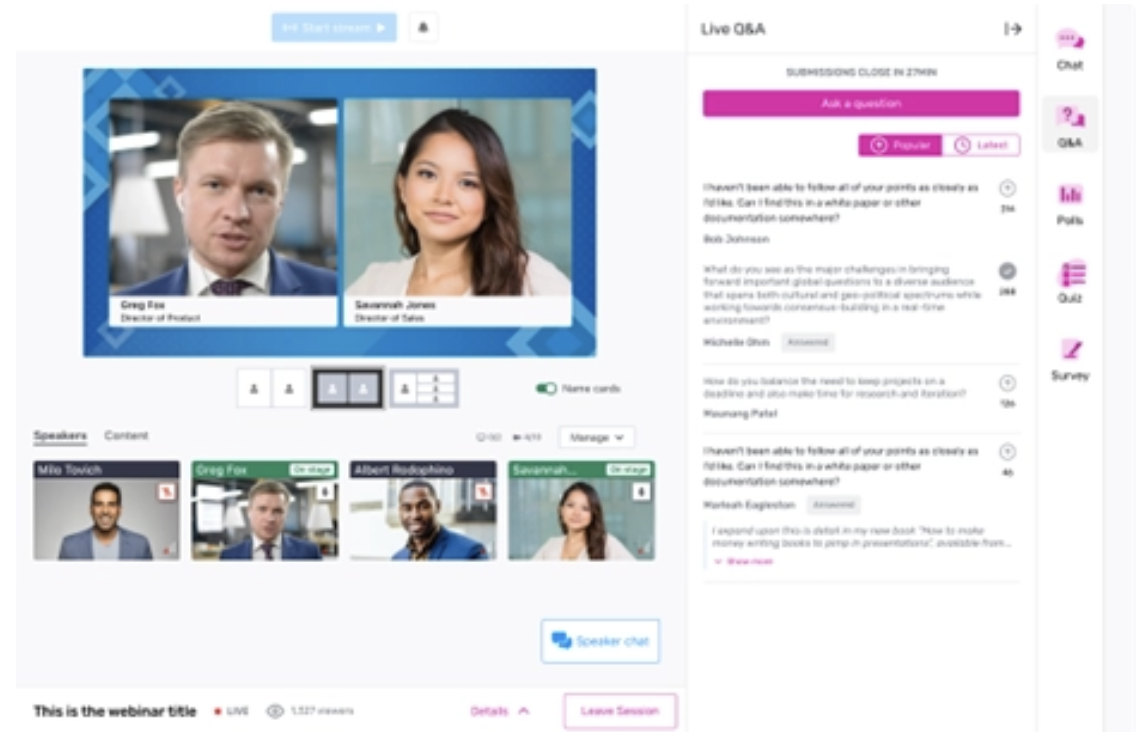
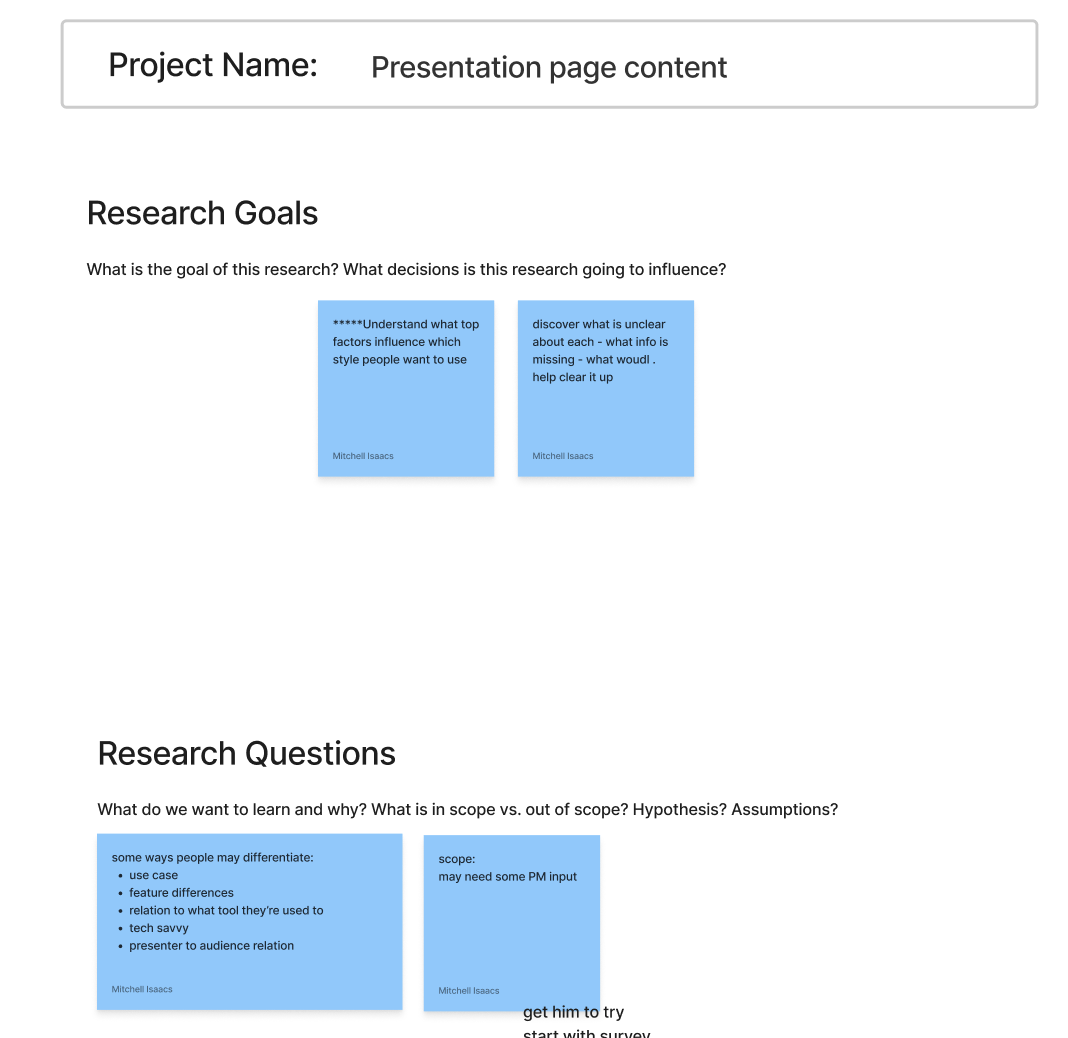
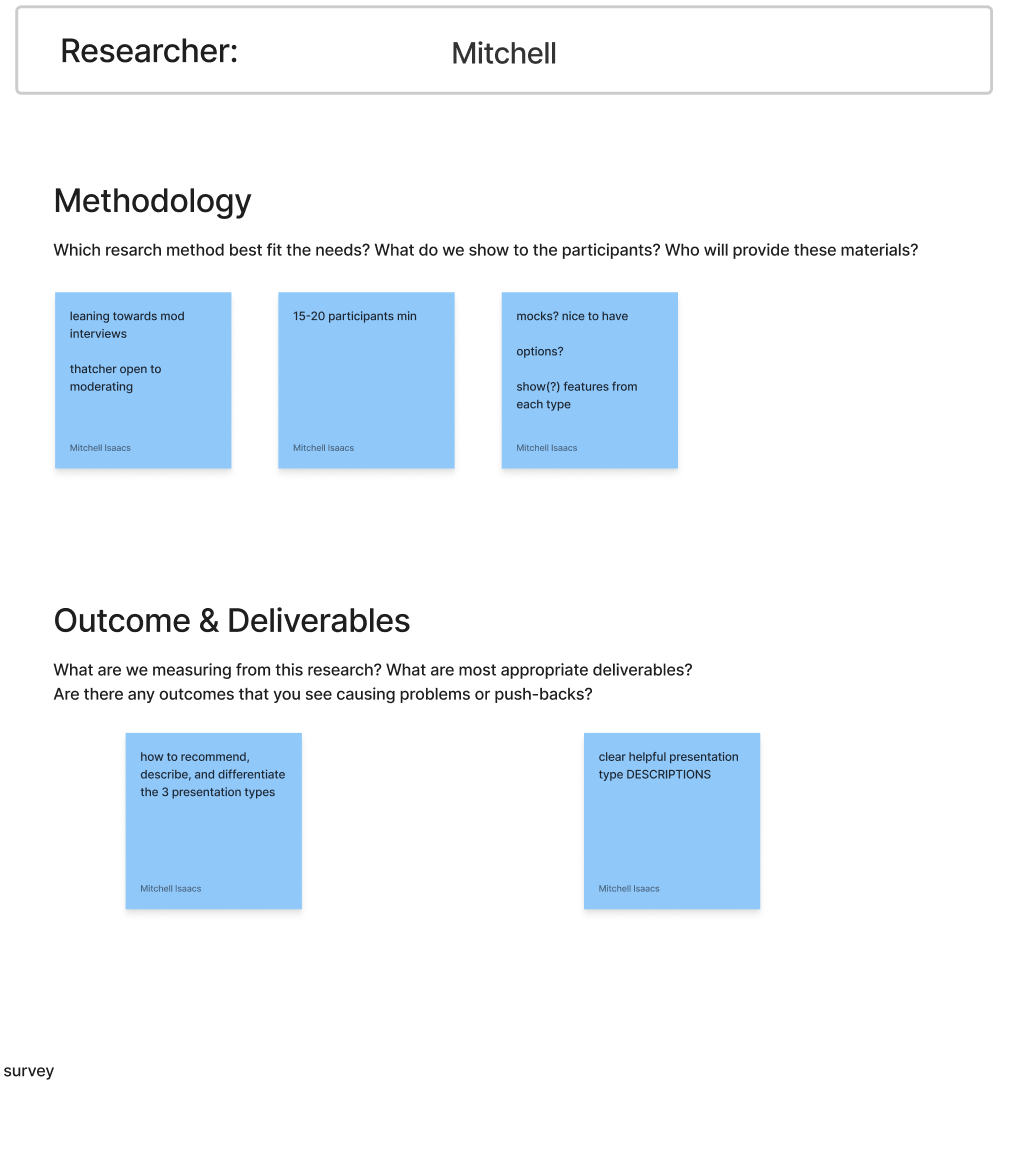
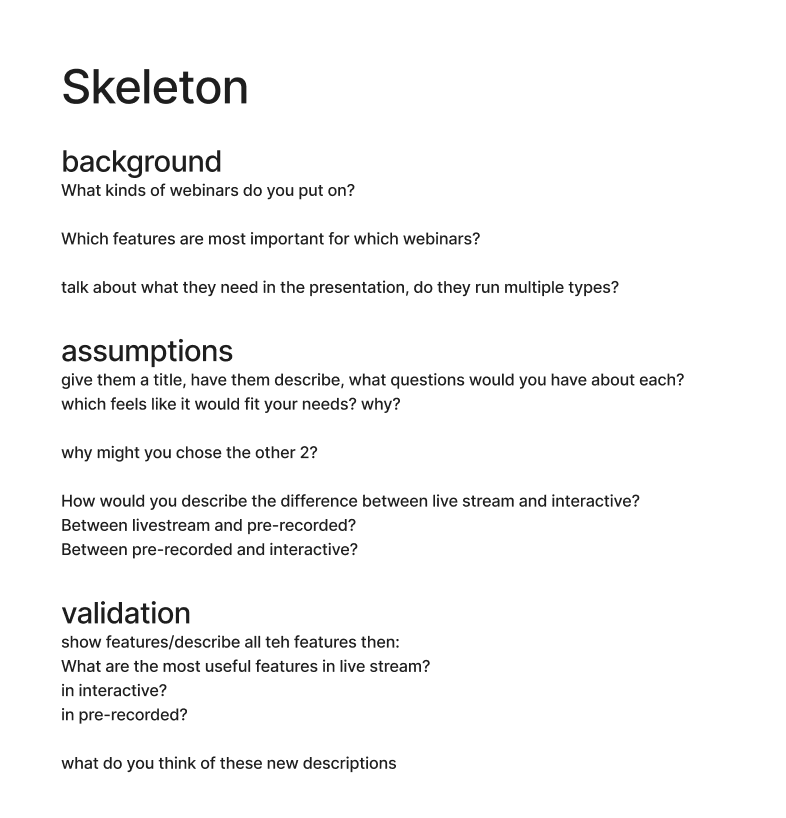
The introduction of Studio into Cvent Webinar allowed me the opportunity to pursue some research on the Presentation page, so that I could address the content issues that we had been having with the video settings. Along with a user researcher we prepared a set of questions, then conducted research with 15 planners to determine how they used different types of webinars, and the langue that they employed when taking and thinking about these different webinar types.
Research Findings
Webinar organizers chose the types of webinars that used based on three factors: the type of webinar they wanted to put on, the group of engagement features attached to the webinar, and the amount of effort it would take to set up a webinar.
As such, on the presentation page, we had to communicate information related to these three factors for each webinar type.
Content Changes
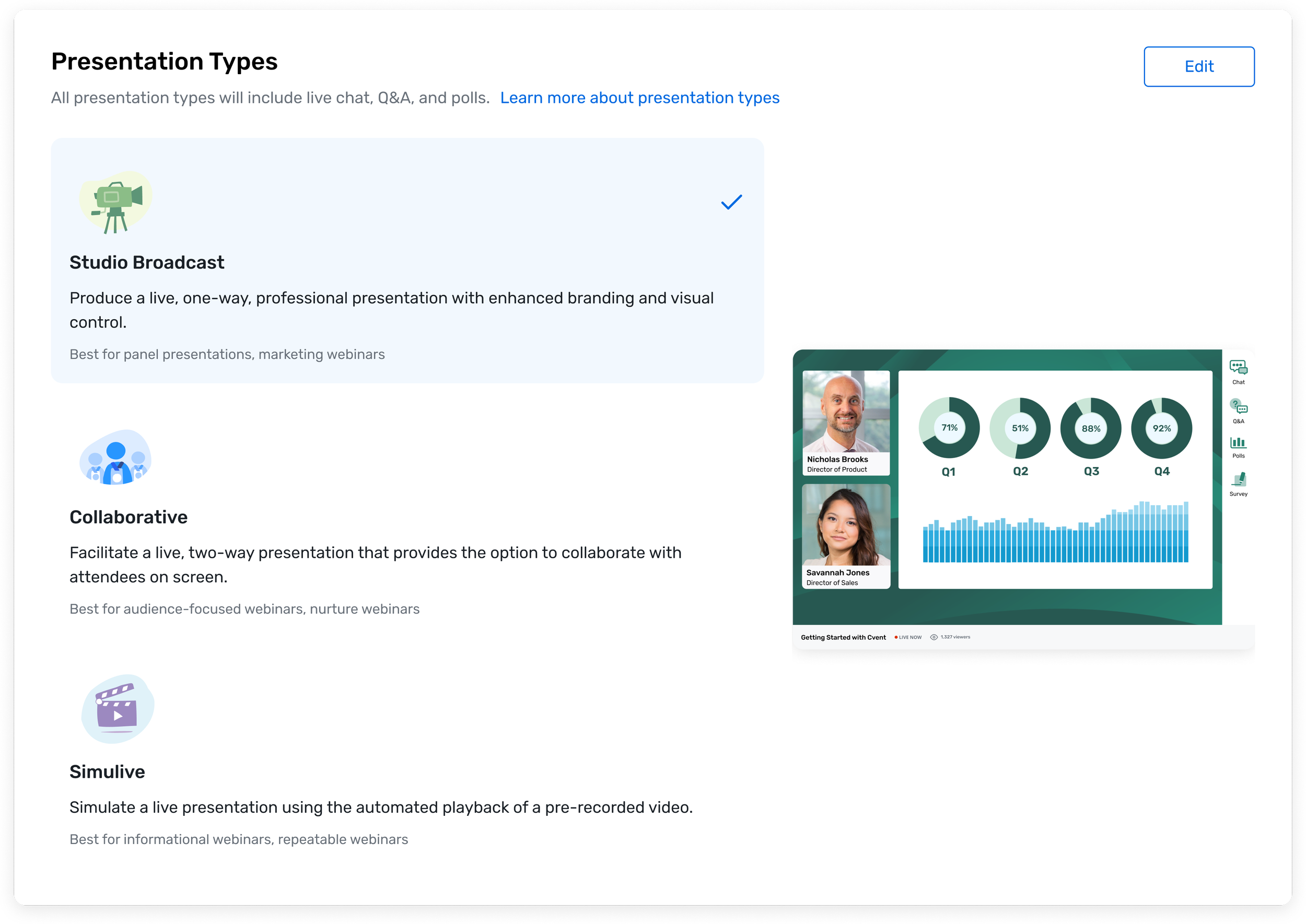
The first change I made was to change the section name from “Video Settings” to “Presentation Types.” I chose Presentation Types because Webinar organizers continually referred to their webinars as containing presentations. They rarely referred to them as hosting videos, and never talked about settings.
The second change was to add some informational text below the section header to assure organizers that all Presentation Types contained the same engagement features: chat, Q&A, and polls. This would allow them to choose presentation types without worrying about each containing different engagement features.
The third change was to add recommendation text below each presentation type, so that organizers would have explicit guidance to help them choose which presentation type would be optimal for which type of webinar they wanted to run.
Results
Organizers found these changes uniformly helpful. According to our research, we experienced a 3x increase in adoption based on these changes to the presentation page. Clear communication about the studio use case helped to drive adoption of paid plans, resulting in a 22% increase in conversions to paid plans.